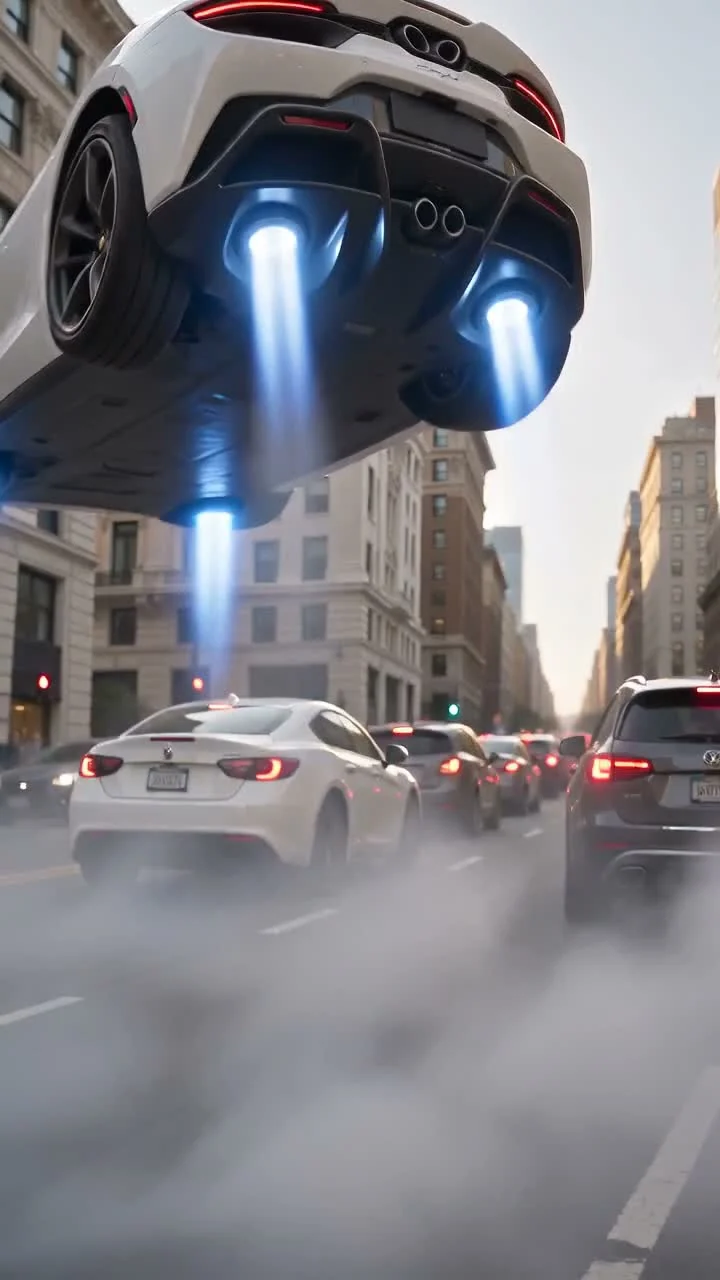
 Flying Car AI Trend
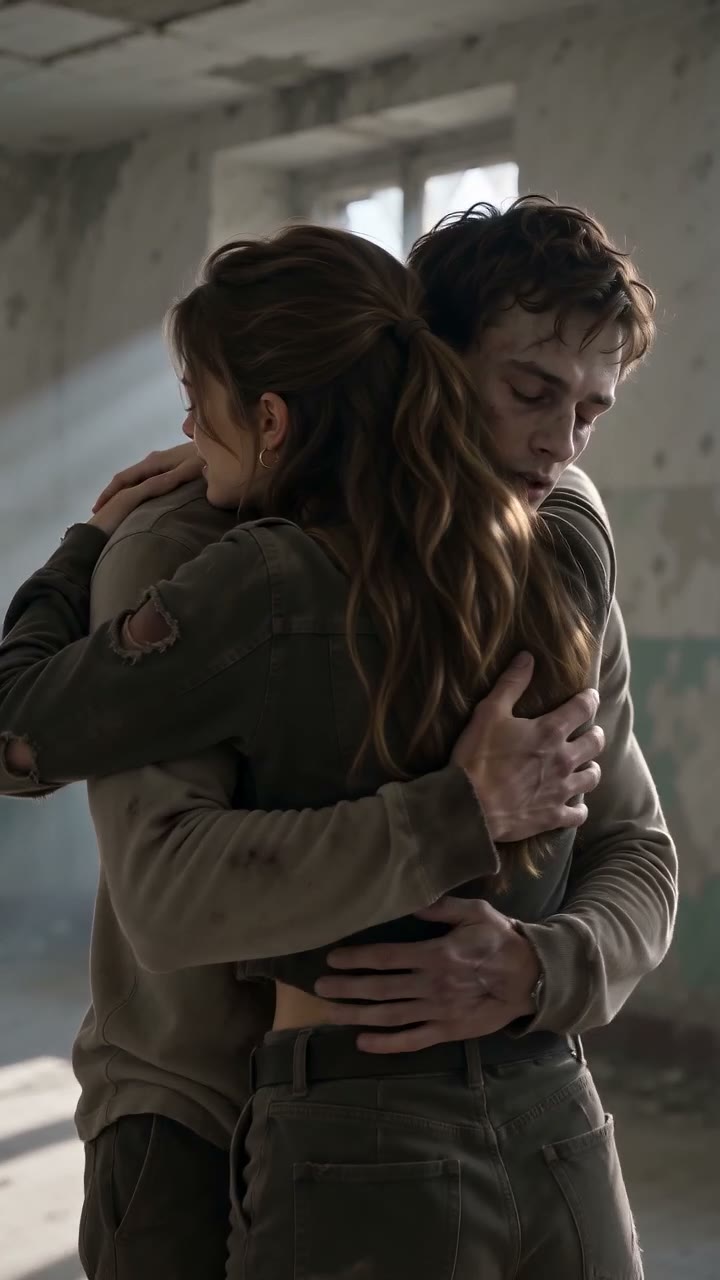 AI Zombie Trend
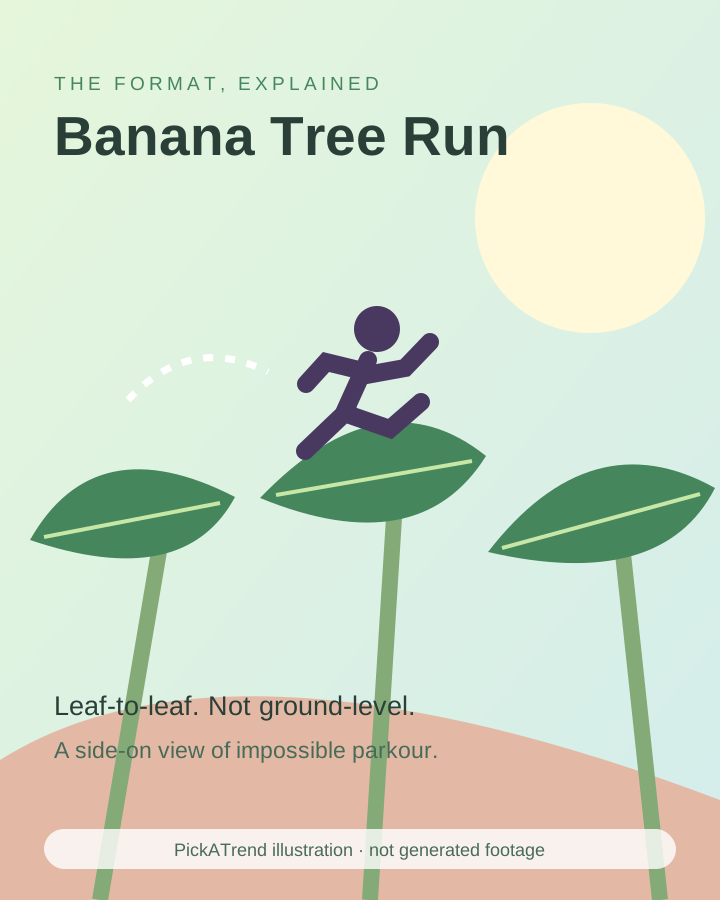 Banana Tree Run AI Trend
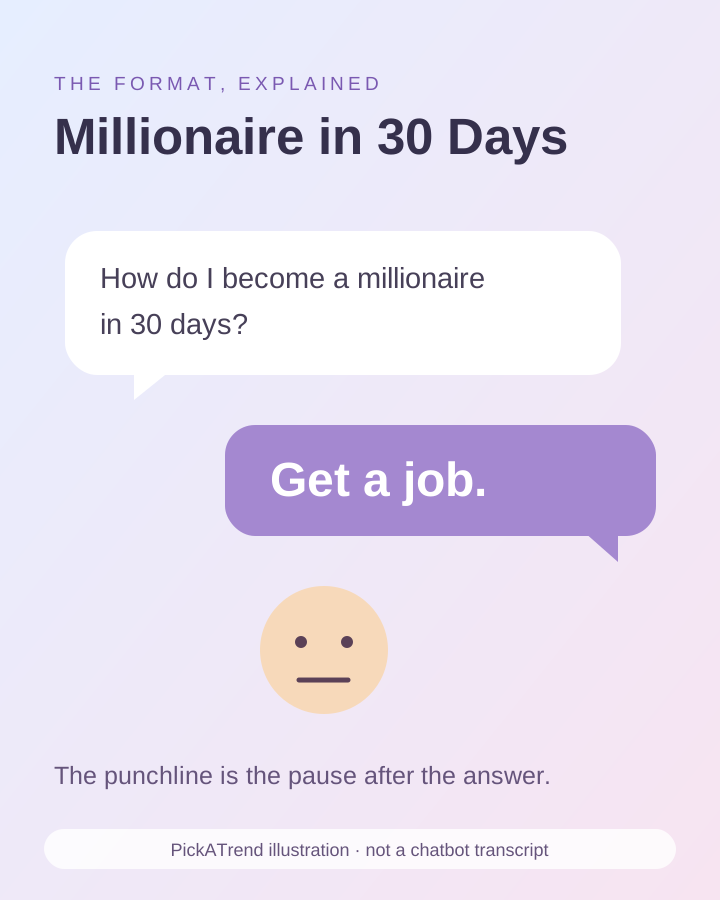 ChatGPT Millionaire AI Trend
 Bby Wow AI Trend
The Flying Car AI Trend turns a driver photo into a fictional escape from gridlock. Also called Flying Roadster, flying car meme or traffic escape AI, it uses image-to-video generation to stage the button press, lift-off and cabin reaction.
What is the Flying Car AI Trend?
The joke begins with an ordinary frustration: the driver cannot move because the road is full. A hidden control offers a ridiculous shortcut, sending the car above the queue while everything else stays grounded. The traffic supplies the setup; without it, the scene becomes a generic flying-vehicle effect.
The broader flying-car family includes ramp flips, airborne jumps and parking-space jokes. This version is Traffic Escape: one driver in an unbranded white sports car. It is AI-created comedy, not evidence that a customer vehicle can fly over public roads.
How did the Flying Car AI Trend become popular?
The traffic joke circulated alongside discussion of Roadster demonstration footage in October 2026. A fact-check of a prototype stunt and an AI commuter remake are different things: authentic event footage does not authenticate a later video of someone flying through city traffic.
The documented sequence below separates that context from a dated meme post. The post is an example in the record, not proof that its creator invented every flying-car variant. Remakes retain the blocked road, button and impossible escape while changing the driver or setting.
Roadster demonstration footage supplied the real-world context for the subsequent flying-car discussion; it showed controlled stunts, not a commuter escaping traffic.
A dated post by @pingu4ty carries the caption “Just remember which button is which” and the traffic-escape joke.
View the dated creator post →A published fact-check corroborated the demonstration footage while warning that the final vehicle’s capabilities were unclear.
Read the demonstration fact-check →
How to make the Flying Car AI Trend
PickATrend’s Traffic Escape uses one adult driver portrait and a fixed 10-second, vertical 9:16 story. The photo supplies the driver, not a custom car. The scene supplies the white sports car, traffic, launch control and generated sound direction; no commercial meme song is included.
For a manual alternative, prepare an original traffic still and animate short exterior and interior shots separately in an image-to-video tool. A separate cabin shot makes the coffee reaction easier to read than trying to show it through the car body.
- Watch the existing example and choose a clear portrait of one adult who agrees to appear in the fictional stunt.
- Add the portrait to the Driver portrait slot; do not upload a vehicle photo for this scene.
- Keep the 9:16 output and review the one-video price before submitting an enabled order.
- Review the complete result for driver likeness, intact wheels, consistent car shape and a readable cabin reaction before sharing.
Tips
- Keep the eyes visible and avoid group photos or heavy face filters.
- Keep captions away from the launch button and airborne car.
- For a manual edit, establish the stopped queue before showing lift-off.
What it costs
PickATrend: $6.99 for one Traffic Escape video, not credits or a subscription. External-tool prices checked October 22, 2026: Runway Free is $0 with 125 one-time credits, not a monthly refill. Standard displays $15 per month on monthly billing or $12 per month billed annually, with 625 monthly credits. Model access and credit use differ; a free account does not include every model, and retries consume credits. These are plan prices, not a guaranteed price for a finished trend video.
Runway plans and current pricing →
Runway image-to-video prompting guidance →
The button, the lift and the coffee reaction
Approximate timing in the existing 10-second example: the traffic, button, lift-off, cabin reaction and wide escape. Cuts can vary in a new generation; the sample does not show a completed landing.
- 0–2 seconds · Opening
- A frustrated driver is framed at the open window of a white car amid city traffic.
- 2–3 seconds · Trigger
- The driver smiles and presses a small glowing control.
- 3–6 seconds · Lift-off
- Blue propulsion appears underneath the white car as it rises above the street.
- 6–8 seconds · Cabin reaction
- An interior view shows the driver and a coffee cup suspended above the dashboard area.
- 8–10 seconds · Wide payoff
- The car is seen high over a long queue between city buildings.
Why a selfie cannot customise the car
Traffic Escape uses the reference image to identify the driver. It does not extract a vehicle from the background of your selfie or offer an extra car-reference slot. Choose the template for its white-car escape story rather than expecting it to reproduce your own make, paintwork or number plate.
Inspect the vehicle across camera cuts. Wheels should remain wheels, propulsion should appear beneath the body and the car should not change shape. The script asks for these things, but AI output can still break them. A convincing opening portrait is not enough if the airborne shot becomes confusing.