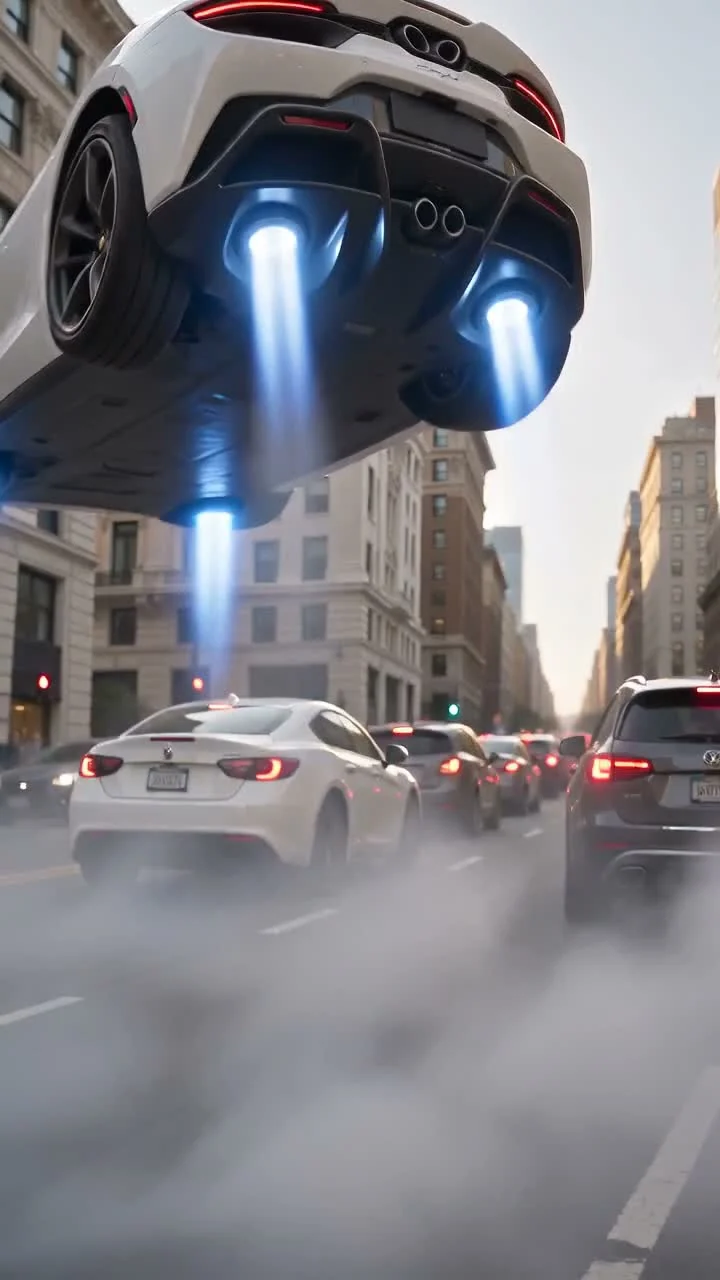
Pick a trend. Turn your photos into viral videos.
Browse AI video trends, see what happens in each video and learn how to make your own. Choose an available generator to start with your photos.
A different story. ↙
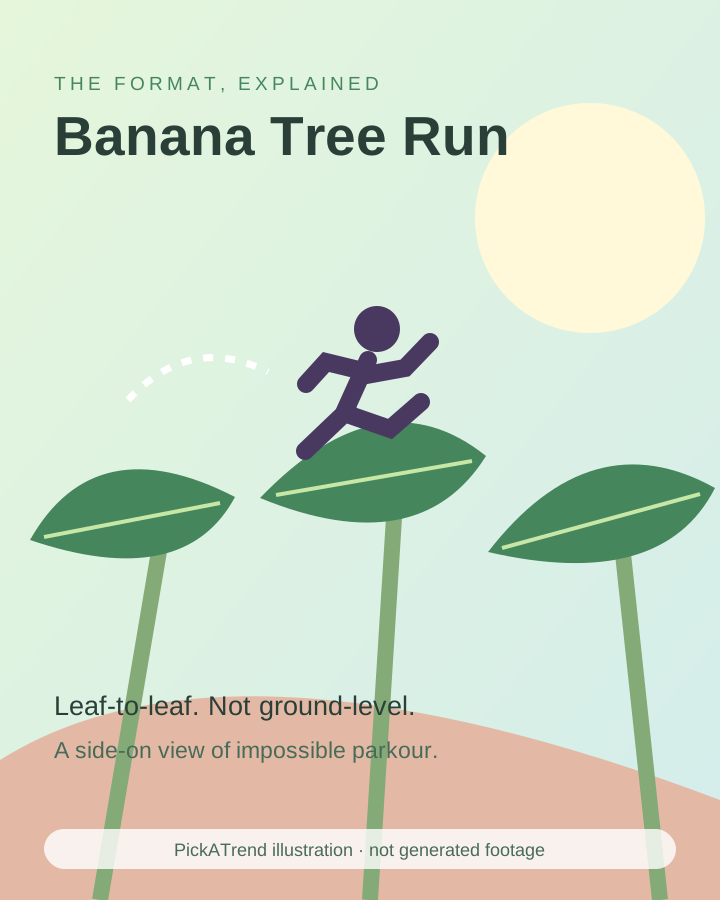
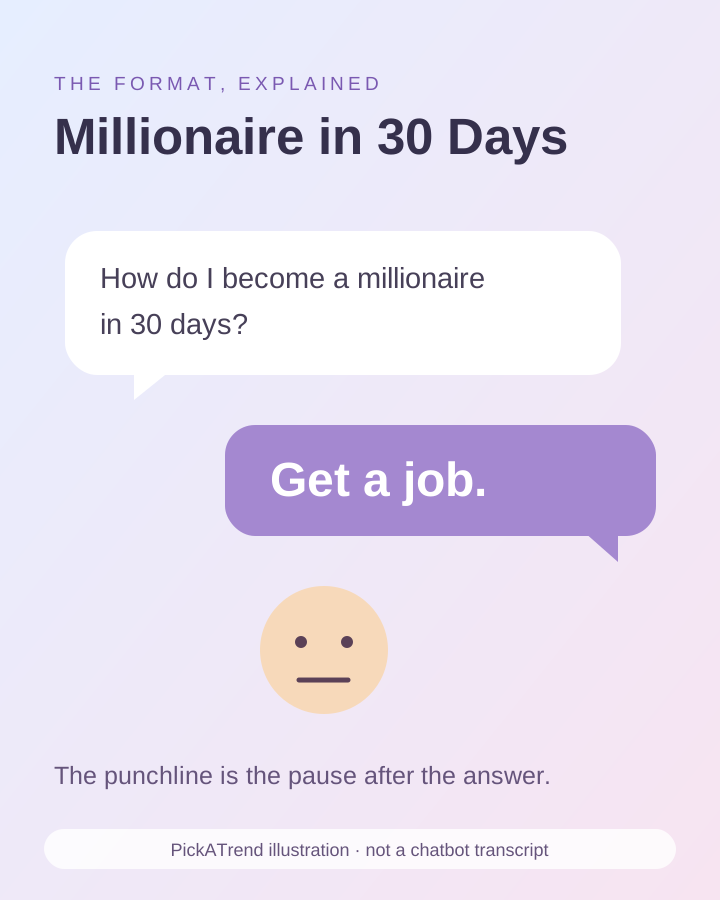
Explore AI video trends
See an example and learn how each format works.

How it works
Choose a trend, add your photos and download your video.
Choose a trend
Watch an example and check the photos, format and price before you start.
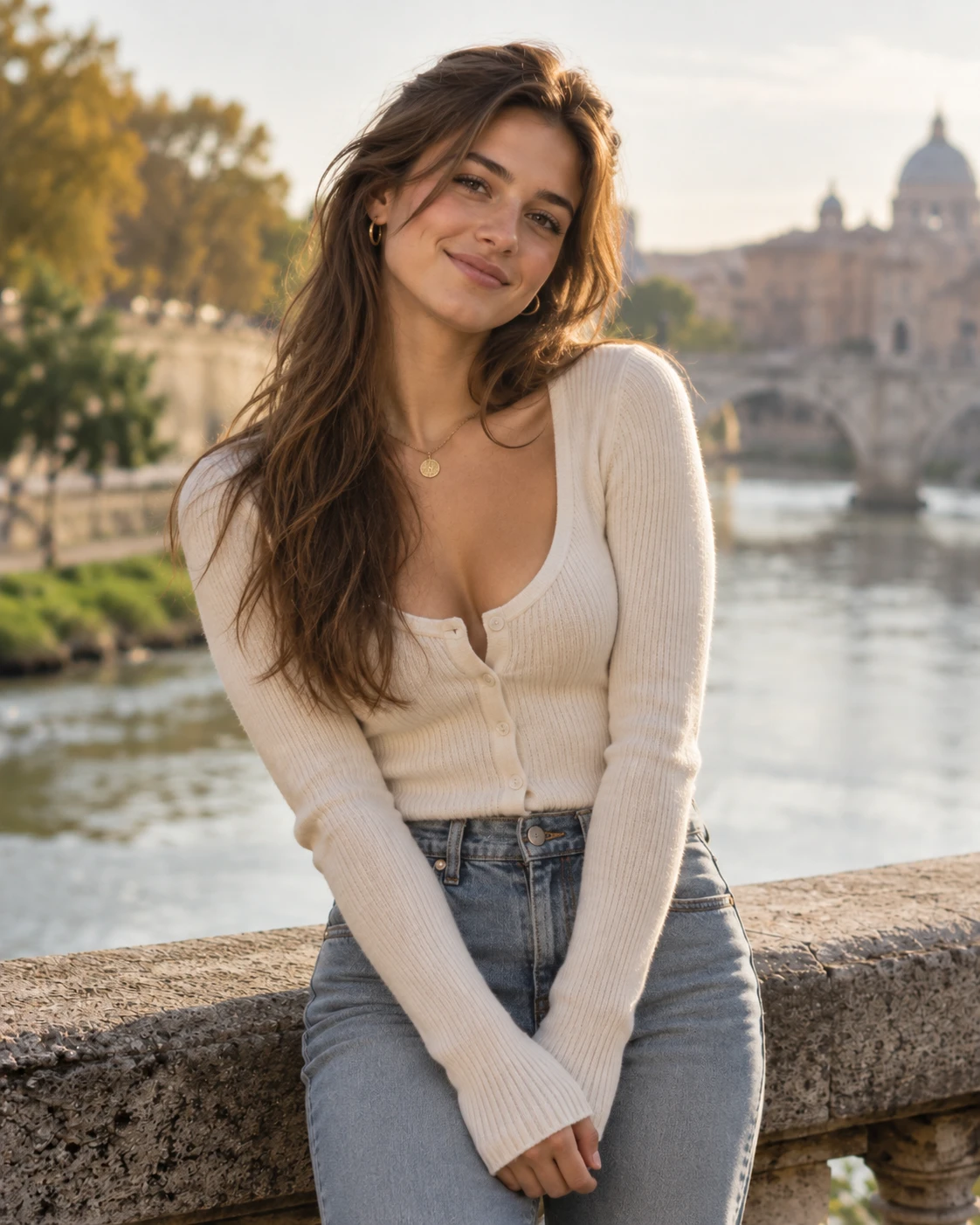
Upload your photos
Add the photos requested by your chosen generator. Preview them and save your private order link before checkout.
Get your video
Pay once, check the progress on your order page and download the finished video. AI results vary.
Accessible through your private link.
One video. No subscription.
Local preview, before any upload.
Real examples. Honest availability.
One video.
One simple payment.
No recurring charge. No account to create.
One video in your chosen available template and format.
- Local photo preview before submitting
- Private order link, no signup
- Download your completed video
Ordering is not available until the service is ready.
Frequently asked questions
Photos, payment and access to your video.
Do I need an account?
No. Orders use a private access link instead of an account. Save that link before leaving for checkout; you will need it to return on another device.
What does one video cost?
One video is $6.99, paid once. No subscription or recurring charge. Checkout and uploads remain unavailable until the service is configured and ready.
Can I preview my photo first?
Yes. Your selected photo is shown locally in your browser before submission. This is an input preview, not a generated video or a free AI preview.
How do I find my order again?
Open My orders in the same browser on the same domain, or import your saved private link. Clearing browser data or using another device can remove the local list.
What if generation fails?
Check your order page for its actual status and error information. See the refund policy and contact page for manual payment or non-delivery help.
What photos can I use?
Use clear photos you own or have permission to use, with consent from every person pictured. Follow the photo roles on the chosen template and review the content policy.